Top Features to Look for in a JoSAA-Focused JEE Main Rank Predictor
So you’ve got your JEE Main rank. Maybe you’re feeling confident. Maybe you’re panicking a little. Either way, you’re probably staring at a dozen “predictor” tools online, each claiming they’ll tell you exactly which college you’ll get. Here’s the thing: not all predictors are created equal. Some are built on guesswork. Others use outdated data. And a few—the good ones—are built on real, historical closing ranks across NITs, IIITs, and GFTIs. That’s what you need. A tool that doesn’t just spit out a list, but actually helps you understand your chances. That’s where a solid JoSAA college predictor comes in—it’s not magic, but it’s the closest thing to having a counselor in your pocket.
Table of Contents
-
What Exactly Is a JEE Main Rank Predictor?
-
Why Most Predictors Fail (And How to Spot Them)
-
Feature #1: Real, Historical Closing Rank Data
-
Feature #2: Category, Gender, and Home State Filters
-
Feature #3: Branch-Wise Trends, Not Just Institute Names
-
Feature #4: Multi-Year Trend Analysis (3–5 Years Minimum)
-
Feature #5: Mock Choice Simulation & Chance Calculator
-
Feature #6: Updated Seat Matrix & New Branch Alerts
-
Feature #7: Clear, Jargon-Free Interface
-
Feature #8: Mobile-Friendly & Fast Loading
-
Why Edufant Checks All These Boxes
-
Common Mistakes Students Make When Using Predictors
-
Final Thoughts: Don’t Guess—Plan Smart
-
FAQs
What Exactly Is a JEE Main Rank Predictor?
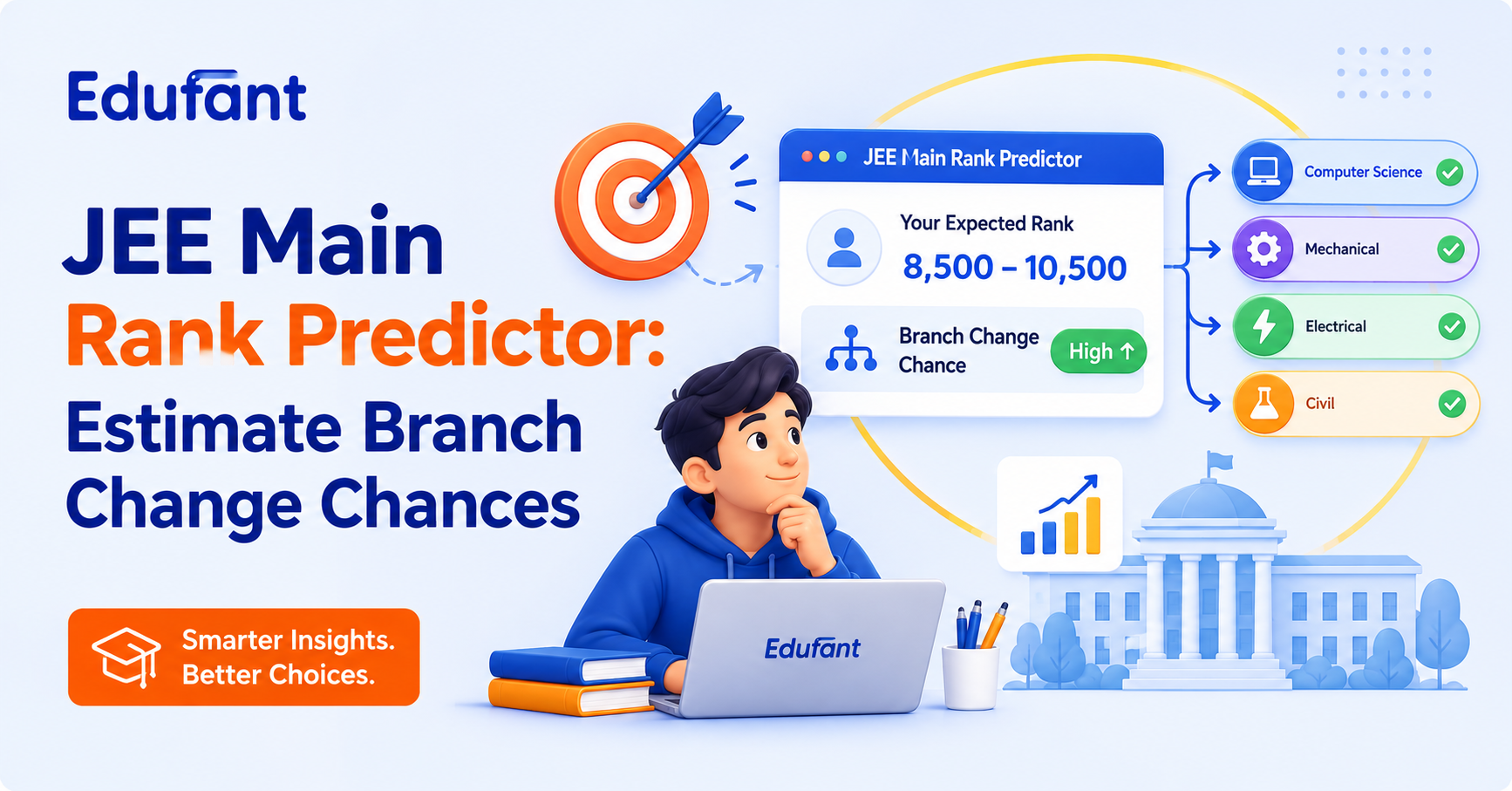
Let’s start simple. A JEE Main rank predictor is a tool that takes your rank (or percentile, or marks) and tells you which colleges and branches you might get through JoSAA counseling.
Think of it like a weather forecast. It’s not 100% accurate—but it gives you a pretty good idea of what to expect. The best predictors use past closing ranks to estimate your chances. The worst ones? They just match your rank to last year’s cutoffs without considering trends, category, or seat changes.
And here’s the kicker: JoSAA isn’t just about IITs. It’s about 127 colleges—NITs, IIITs, GFTIs. Each with dozens of branches. Each with different cutoffs for different categories. That’s why you need a predictor that’s built specifically for JoSAA—not a generic “college finder.”
Why Most Predictors Fail (And How to Spot Them)
Alright, let’s be real. Most predictors out there? They’re useless. Some are built on one year’s data. Others don’t account for category quotas. A few are just marketing gimmicks to get you to click ads.
Here’s how to spot a bad predictor:
-
It only shows one year’s data: Cutoffs shift every year. If a tool doesn’t show trends, it’s guessing.
-
No category filters: Your cutoff depends on whether you’re General, OBC, EWS, SC, ST, or PwD. If the tool doesn’t ask, it’s not for you.
-
Only institute names, no branches: Getting into “NIT Trichy” means nothing if you don’t know which branch. CSE cutoffs are wildly different from Civil.
-
No explanation of how it works: If the tool doesn’t tell you its data source or methodology, run.
-
Clunky, ad-filled interface: If you’re fighting pop-ups just to see your results, it’s not worth your time.
The good ones? They’re transparent, detailed, and built for JoSAA specifically. Let’s talk about what makes them tick.
Feature #1: Real, Historical Closing Rank Data
This is non-negotiable. A good predictor must be built on real, historical closing ranks—not estimates, not guesses, not “expected” cutoffs.
Why? Because closing ranks tell you what actually happened. Not what might happen. Not what someone thinks will happen. What actually happened.
For example, if NIT Warangal CSE closed at rank 2952 last year, that’s a data point. If it closed at 4000 the year before, that’s a trend. If it closed at 3500 the year before that, now you’ve got a pattern.
Tools like Edufant are built on 8 years of real closing rank data across NITs, IIITs, and GFTIs. That means you’re not flying blind—you’re making decisions based on what actually happened.
Feature #2: Category, Gender, and Home State Filters
Your cutoff isn’t just about your rank. It’s about who you are.
-
Category: General, OBC-NCL, EWS, SC, ST, PwD—each has different quotas and cutoffs.
-
Gender: Female candidates often have lower cutoffs due to supernumerary seats.
-
Home State: NITs reserve 50% seats for home state candidates. Your cutoff at NIT Surathkal is vastly different if you’re from Karnataka vs Uttar Pradesh.
A good predictor asks you all these questions upfront. Then it filters the data accordingly. If it doesn’t? It’s not giving you accurate results.
And here’s a pro tip: always check your category-specific cutoffs. A rank that’s “safe” for General might be “risky” for OBC—or vice versa.
Feature #3: Branch-Wise Trends, Not Just Institute Names
Let’s say a predictor tells you, “You can get NIT Trichy.” Great. But which branch? CSE? ECE? Mechanical? Civil?
The cutoff for CSE at NIT Trichy might be rank 3000. For Civil, it might be rank 15000. That’s a massive difference. And if the tool doesn’t show you branch-wise data, it’s not useful.
The best predictors let you filter by branch. They show you closing ranks for CSE, ECE, EE, Mech, Civil, AI, DS, MnC—everything. They even show you emerging branches like Semiconductor, Computational Engineering, and Cybersecurity.
Because at the end of the day, you’re not just picking a college. You’re picking a branch. And that’s what matters most.
Feature #4: Multi-Year Trend Analysis (3–5 Years Minimum)
One year’s data is a snapshot. Three years is a trend. Five years is a pattern.
A good predictor doesn’t just show you last year’s cutoffs. It shows you how cutoffs have moved over time. Is a branch’s rank going up or down? Is it stable? Is it volatile?
For example, AI & DS at NIT Warangal jumped from rank 4000 to 2952 in just a year. That’s a signal. If you only looked at one year, you’d miss it.
Tools that show multi-year trends let you spot these patterns. They help you decide if a branch is “heating up” or “cooling down.” And that’s invaluable during choice filling.
Feature #5: Mock Choice Simulation & Chance Calculator
Here’s where things get practical. A good predictor doesn’t just show you data—it lets you play with it.
Mock choice simulation lets you build a fake choice list. You add your preferred colleges and branches. The tool then tells you your chances for each one—based on your rank, category, and historical data.
Some tools even give you a “chance calculator.” It might say, “You have an 80% chance at NIT Trichy CSE, 60% at NIT Surathkal ECE, 40% at IIIT Delhi CSE.”
That’s not just helpful—it’s a game-changer. You can tweak your list, see how your chances change, and lock it with confidence.
Feature #6: Updated Seat Matrix & New Branch Alerts
Every year, JoSAA updates the seat matrix. Sometimes, new seats are added. Sometimes, old seats are redistributed. Occasionally, entirely new branches or institutes join the pool.
A good predictor tracks these changes. It alerts you when new seats are added. It tells you when a new branch (like AI & DS or Semiconductor) is available. It even shows you how seat changes affect cutoffs.
For example, if NIT Surathkal adds 20 CSE seats, cutoffs might drop slightly. If IIIT Delhi reduces ECE seats, cutoffs might jump. A good predictor shows you these dynamics in real time.
Feature #7: Clear, Jargon-Free Interface
Let’s be honest: JoSAA is complicated. There are cutoffs, quotas, rounds, freezing, floating, sliding—it’s a lot.
A good predictor doesn’t add to the confusion. It uses plain language. It explains terms like “closing rank,” “home state quota,” and “supernumerary seats” in simple words. It doesn’t drown you in jargon.
The interface should be clean, intuitive, and easy to navigate. No pop-ups. No ads. No confusing menus. Just clear, actionable data that helps you make smarter choices.
Because at the end of the day, you’re not trying to become a JoSAA expert. You’re trying to get into a good college. The tool should make that easier—not harder.
Feature #8: Mobile-Friendly & Fast Loading
Look, you’re not always on your laptop. Sometimes you’re checking cutoffs on your phone. Sometimes you’re comparing colleges with your parents over WhatsApp.
A good predictor works seamlessly on mobile. It loads fast. It doesn’t crash. It doesn’t take 10 seconds to show your results.
And here’s a pro tip: test the tool on both desktop and mobile before you rely on it. If it’s clunky on either, find a better one.
Because when you’re filling choices at 2 AM the night before the deadline, you don’t want lag. You want speed, clarity, and accuracy.
Why Edufant Checks All These Boxes
Alright, let’s cut to the chase. Edufant isn’t perfect. But it’s the closest thing to a JoSAA co-pilot you’ll find.
Here’s why it stands out:
-
8 years of real closing rank data: Not estimates. Not guesses. Real data from NITs, IIITs, and GFTIs.
-
Category, gender, and home state filters: See your exact chances based on who you are.
-
Branch-wise trends: Compare CSE, ECE, AI, MnC, Robotics—everything.
-
Multi-year analysis: Spot patterns over 3–5 years, not just one year.
-
Mock choice simulation: Build your list, see your chances, tweak it, lock it.
-
Seat matrix updates: Get alerts when new seats or branches are added.
-
Clean, jargon-free interface: No fluff. No ads. Just clear, actionable data.
-
Mobile-friendly: Works seamlessly on phone and desktop.
And the best part? It’s designed for students, not consultants. No jargon. No fluff. Just clear, actionable data that helps you make smarter choices.
If you’re serious about JoSAA, you need a JoSAA college predictor that actually works. Edufant isn’t magic—but it’s the closest thing to having a data scientist in your corner.
Common Mistakes Students Make When Using Predictors
Alright, let’s talk about the traps. Because trust me, everyone falls into at least one of these:
-
Trusting one-year data: Cutoffs shift every year. Always look at 3–5 year trends.
-
Ignoring category filters: Your cutoff depends on your category, gender, and home state. Always filter accordingly.
-
Focusing only on institute names: Branch matters more than institute. Always compare branch-wise.
-
Not simulating choices: If you’re not testing your choice list, you’re guessing. And guessing in JoSAA is risky.
-
Using generic predictors: JoSAA is unique. Use a tool built specifically for JoSAA—not a generic “college finder.”
The fix? Slow down. Do your research. Use data. And don’t be afraid to pick the college that feels right—even if it’s not the “most popular” one.
Final Thoughts: Don’t Guess—Plan Smart
Here’s the bottom line: JoSAA is complicated. There are 127 colleges. Thousands of branches. Hundreds of thousands of students. And you’ve got one shot to get it right.
You can’t control exam difficulty. You can’t control how many students appear. But you can control how you prepare. You can look at trends. You can use data. You can plan your choices smartly.
And that’s exactly what a good JEE Main rank predictor helps you do. It doesn’t make the decision for you—but it gives you the clarity to decide confidently.
So take your time. Compare the tools. Use the right features. And trust yourself. You’ve got this.
FAQs
1. What’s the most important feature in a JEE Main rank predictor?
Real, historical closing rank data. Without it, the tool is just guessing. Look for predictors built on 3–5 years of actual JoSAA data—not estimates or “expected” cutoffs.
2. Do category and home state really matter in predictions?
Absolutely. Your cutoff depends heavily on your category (General, OBC, EWS, SC, ST) and home state (for NITs). A good predictor filters results based on these factors.
3. Can I trust predictors that show only one year’s data?
No. Cutoffs shift every year based on exam difficulty, seat changes, and trends. Always use a tool that shows multi-year trends (3–5 years minimum).
4. How accurate are mock choice simulators?
They’re not 100% accurate—but they’re the best tool you have. They use historical data to estimate your chances. Use them to refine your list, not as a guarantee.
5. Is Edufant free to use?
Edufant offers both free and premium features. The free version shows basic cutoffs and trends. The premium version unlocks mock simulations, seat alerts, and detailed branch-wise analysis. Check their website for current pricing.
0 comments
Loading comments…